How to Clean Messy Text in Minutes
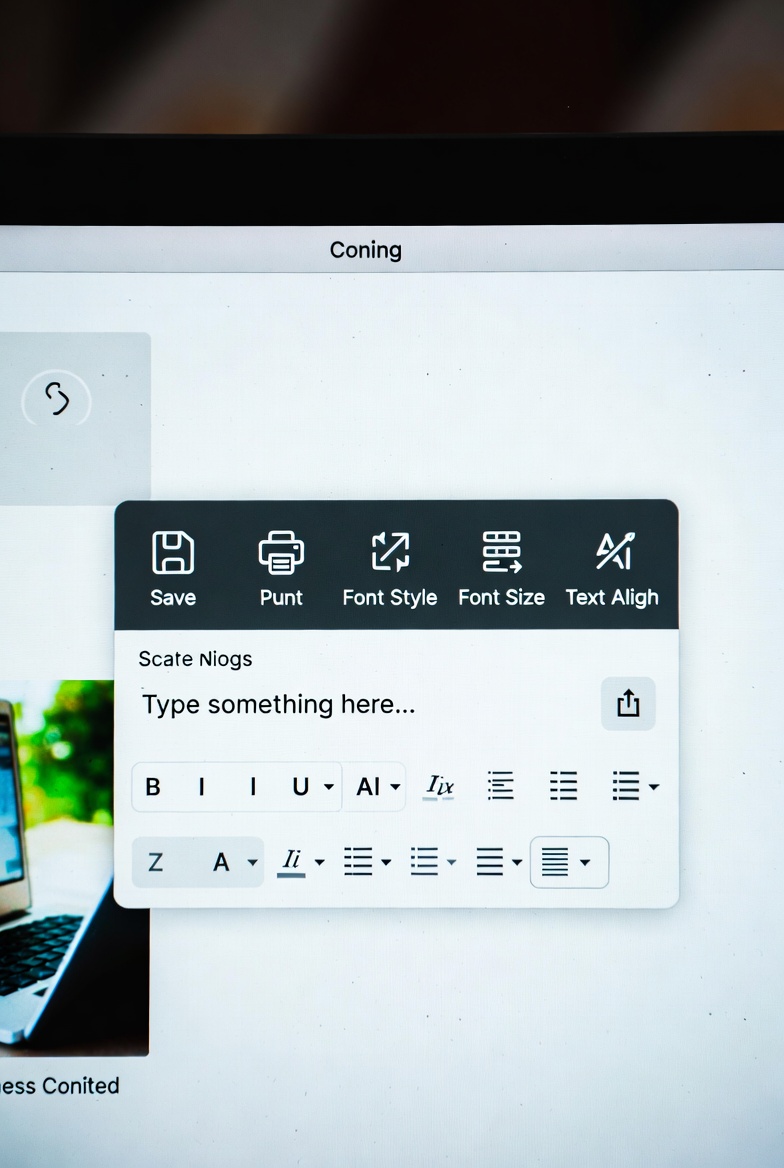
Most messy text problems come from copy and paste workflows, not bad writing. You copy from PDFs, chat tools, social posts, or spreadsheets, and the result arrives with uneven spacing, broken lines, and random capitalization. If you try to fix that by hand, you waste time and still miss small errors. The better approach is to run a short cleaning sequence in the same order every time.
Start with structure. Remove empty lines, trim each line, and collapse repeated blank lines. Then normalize internal spacing so words are separated correctly and paragraphs become readable again. At this stage, the text usually becomes easier to scan. You can quickly detect duplicated lines or repeated phrases that were hidden by poor formatting.
After structure cleanup, apply style cleanup. Choose sentence case or title case based on where the text will be used. Keep headings and paragraph style consistent on the same page. If the copy contains mixed symbols from different sources, remove unnecessary punctuation and standardize delimiters before publishing.
This process improves both speed and quality. Writers publish faster, editors review less noise, and users get cleaner pages. It also supports ad policy readiness because low-quality formatting is one of the easiest trust signals to fix. Clean text looks intentional, and intentional pages perform better over time.